EQdrill
What is it?
EQdrill is a specialized application for frequency / equalization based ear training. The main focus is on improving one's ability to perceive and balance out random equalization based changes on top of (self choosen) reference track.
Emphasis is put on it being extensively configurable, enough to allow for a very progressive increase in perceived difficulty, no matter your current skill level. To top it off, EQdrill comes to know about your weakspots over time and will increasingly target them to maximize the effectiveness of the training.
Who is it for?
Anyone who uses equalizers to alter audio material!
Whether you are a novice that wants to get started at "level 1", someone advanced that wants to push to higher levels, or someone that had already reached high levels of perception at one point, but then somehow started to feel like they became "rusty" and now desire to get back to what it once was in a more targetted manner: EQdrill can help you!
If you don't want to rely on "just mix / master / EQ more and hope for the best", but rather want to improve your own frequency perception ability in a more focused, time effective and step by step fashion, then EQdrill is for you!
Can you clear the heatmap?
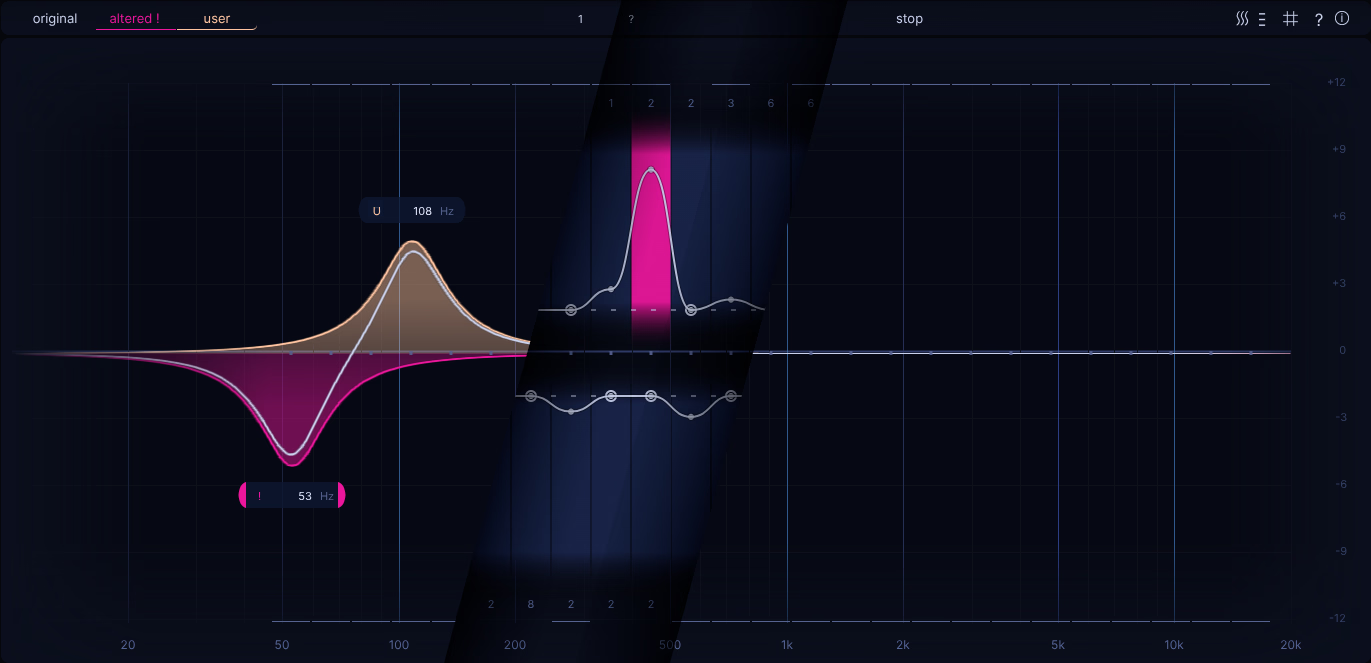
Roughly speaking, based on a given difficulty level, EQdrill divides up the frequency spectrum into a certain number of slices, both for EQ boost and cut. These slices themselves constitute so called snap points. The collection of these snap points (and some bound settings) make up a heatmap.
Each turn during the training will have a randomly choosen altered filter, which can't be seen, but rather only listened for. The goal of a single turn then is to decide how the user filter should be placed to balance out this hidden altered filter. What constitutes "balanced" is purely determined by the reference track of your choosing and your ability to discern which position of the user filter makes it sound like the original track again.
Every snap point has its own rating, which is impacted by the quality of your answers. Once a given snap point reaches the best possible rating, it is considered cleared. Once all snap points are cleared, the heatmap overall is considered cleared and therefore finished.
So can you balance out random, hidden filter changes well enough to clear your first heatmap?
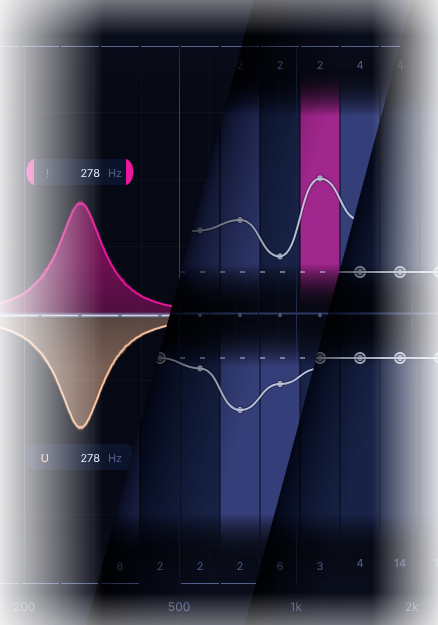
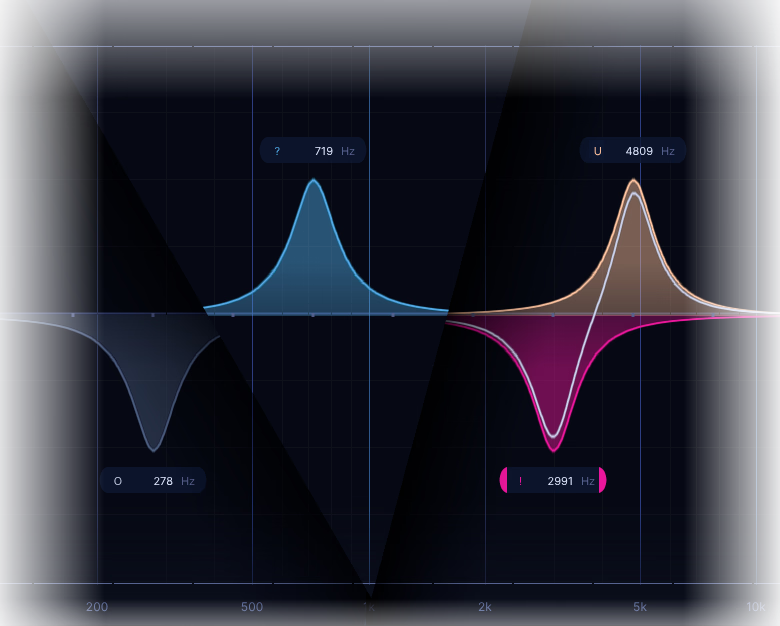 To perform a single turn, start off listening to the original reference track (gray filter), enable the random altered filter (blue filter), decide on what EQ change would get you back to the sound of the reference track, give your answer (yellow filter) and inspect if you balanced out the random altered filter fully (the yellow filter being the inverse of the pink filter).Designed to maxmimize meaningful repetitions - so you can get more out of your training time!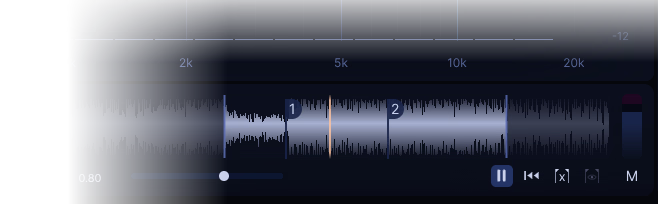
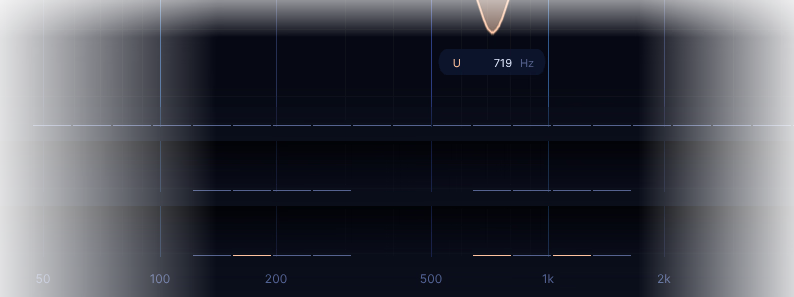 From full spectrum, to narrowly focused, to random subset based training - whatever helps you make progress.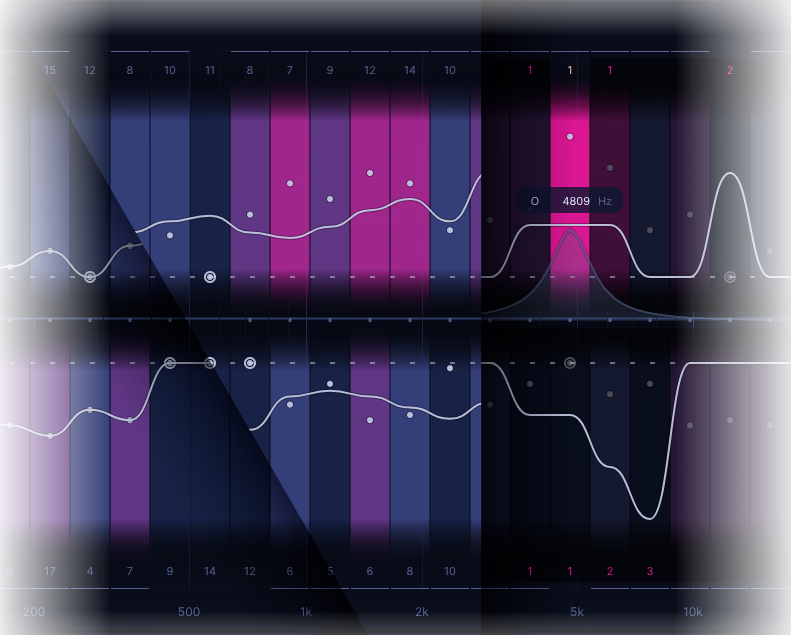
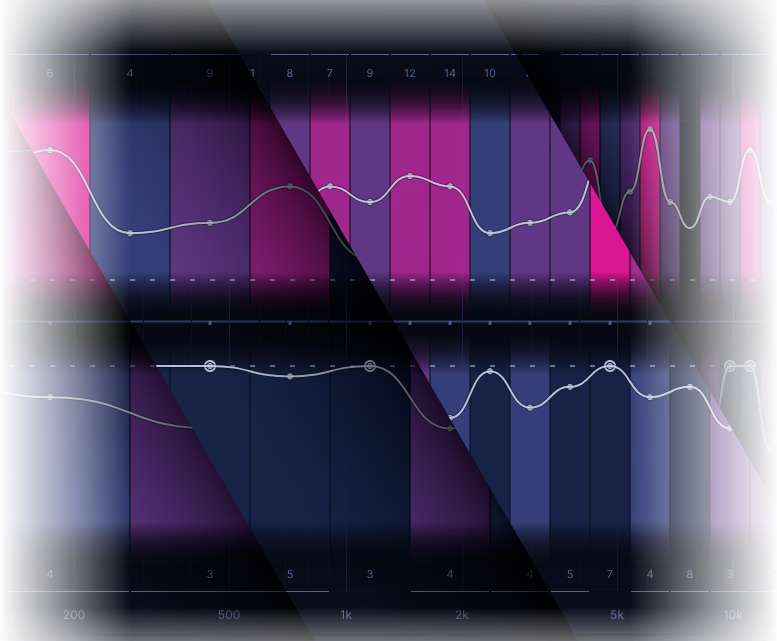 "Entry, novice, medium, advanced, ambitious and ruthless": six difficulties to pick from!
The higher you go, the finer the frequency spectrum is being divided up into slices (a.k.a. snap points), the more possible positions to answer there are and the stricter your performance will be rated. All to keep improving even further!